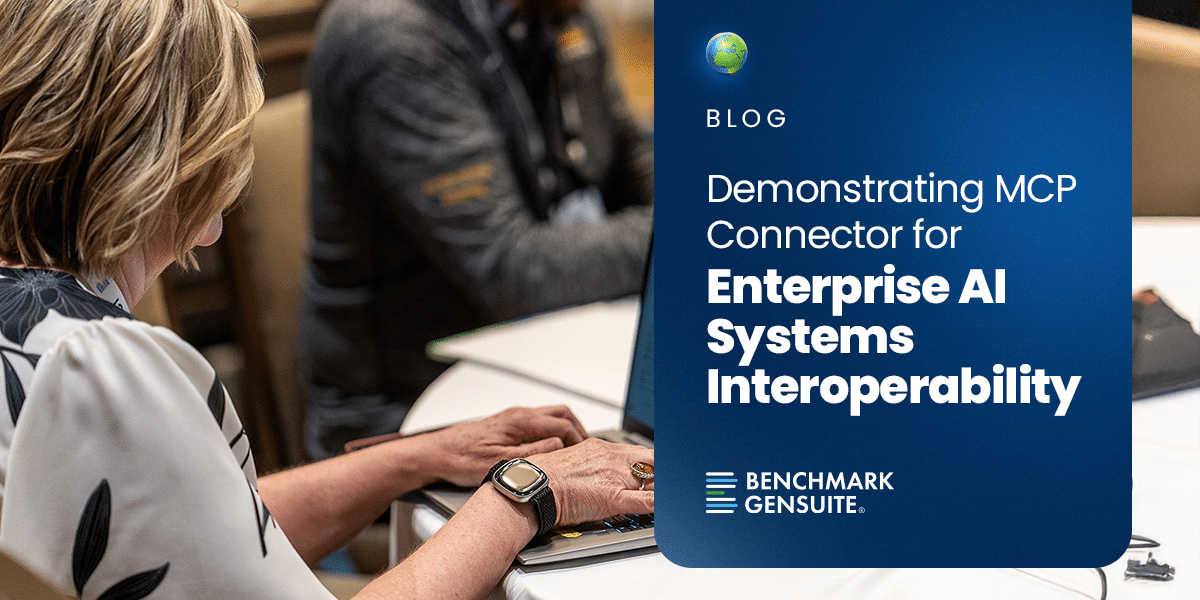
In August 2026, Benchmark Gensuite introduced its MCP Connector as an open standard for enterprise systems interoperability, the first scaled enterprise EHS platform provider to offer an MCP as out of the box capability. Now we are showing, not just telling, what that actually looks like in practice, with working demonstrations detailing how your AI agents can reach directly into any of the core applications on our platform, logging, updating, and retrieving records as risk workflows are initiated and executed in the real world with the help of Genny AI.
Take Safety Hazard Concern Reporting, one of the applications now connected via the Genny AI MCP Agent. Now, an AI agent can seamlessly act on notifications received from other systems to log that data and initiate the hazard reporting workflow in Benchmark Gensuite – no manual data entry and no structured data packets to construct to call available API endpoints. That’s the kind of capability the MCP Connector is designed to make effortless, application by application.
Here’s what that looks like across the six applications now connected via MCP:
| Application | What’s Supported | What It Looks Like in Practice |
|---|---|---|
| Action Tracking System | Retrieve, create, update | Pull every overdue action across a site and update an assignee or due date without leaving the conversation. |
| Concern Reporting | Retrieve, create, update | Log a concern the moment it’s raised, in plain language, as part of the flow of work. |
| Compliance Calendar | Retrieve, create, update | Ask what’s due this month or create and update entries as requirements change. |
| Permit to Work | Retrieve, create, update | Check whether a hot work or confined space permit is active before the job starts, or open a new permit request the moment the work is ready to begin. |
| Waste Tracker | Retrieve, create | Generate a new waste profile as soon as a stream is identified. |
| Inspection Tool | Retrieve | Check an inspection’s status, checklist, or checklist details directly. |
Every example above assumes someone initiating the request, asking, checking, logging. But increasingly, that request doesn’t start with a person at all.
Increasingly, risk workflow activation in Benchmark Gensuite is being triggered by equipment and operational systems already running in the enterprise:
In each case, the MCP request reaching Genny AI is autonomous — machine to machine, with no person required to notice, translate, or type it in.
Take that confined-space scenario a step further. Once the hazard condition reaches the Genny AI MCP Agent, it can log the concern directly into Benchmark Gensuite, the same Concern Reporting capability shown in the table above. The walkthrough below shows that same kind of request as a natural-language chat prompt, from request to a completed action in Benchmark Gensuite. That’s MCP – interoperability built for how your business already works.

This is your chance to get hands-on with where enterprise AI is headed. If you want to see the MCP Connector live, put it through its paces, or help shape what we build next, we want you in the room. Contact us and let’s get you set up.
These six demonstrated applications are the first wave. As we keep building, we’re working toward bringing the full Genny AI suite into reach, connecting more applications and APIs, and extending that interoperability to soon make Benchmark Gensuite available directly for individual user access using OpenAI, Anthropic, Co-Pilot (and other) AI Chatbot Agents. To support those capabilities, our roadmap now reflects building on our system-level access tokens to provision user-level tokens where MCP-based access rights are personalized to individual user permissions.